Rebooting will result in downtime for the customer, and is usually not necessary. This should only be done if advised by the development team or support.
Rebooting using other methods (such as removing and reconnecting power to the collector) may result in data loss.
When you wish to reboot the unit for any reason, you will need to connect to the OnsiteConfig WiFi network and [browse to OMU](https://docs.nexuscare.co.uk/books/system-management/page/accessing-omu-onsite-management-utility "Accessing OMU (Onsite Management Utility)"). From there, head to the system tab and click "Reboot now" [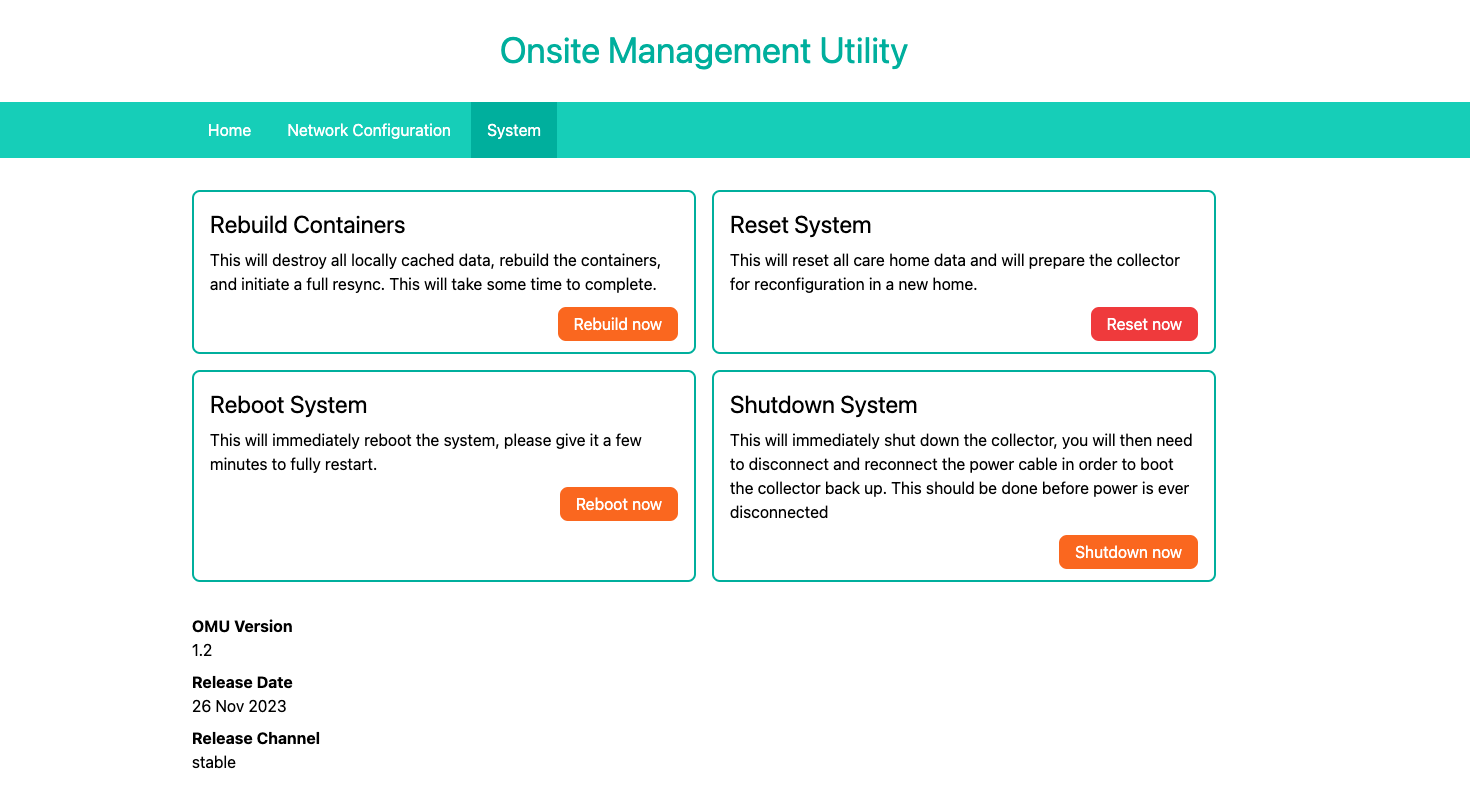](https://docs.nexuscare.co.uk/uploads/images/gallery/2024-01/wmtaosJsc68Eadle-screenshot-2024-01-02-at-13-37-07.png) After this you will be taken to a page to confirm the action by entering the engineer code for this site. Once this is done the unit will reboot shortly. [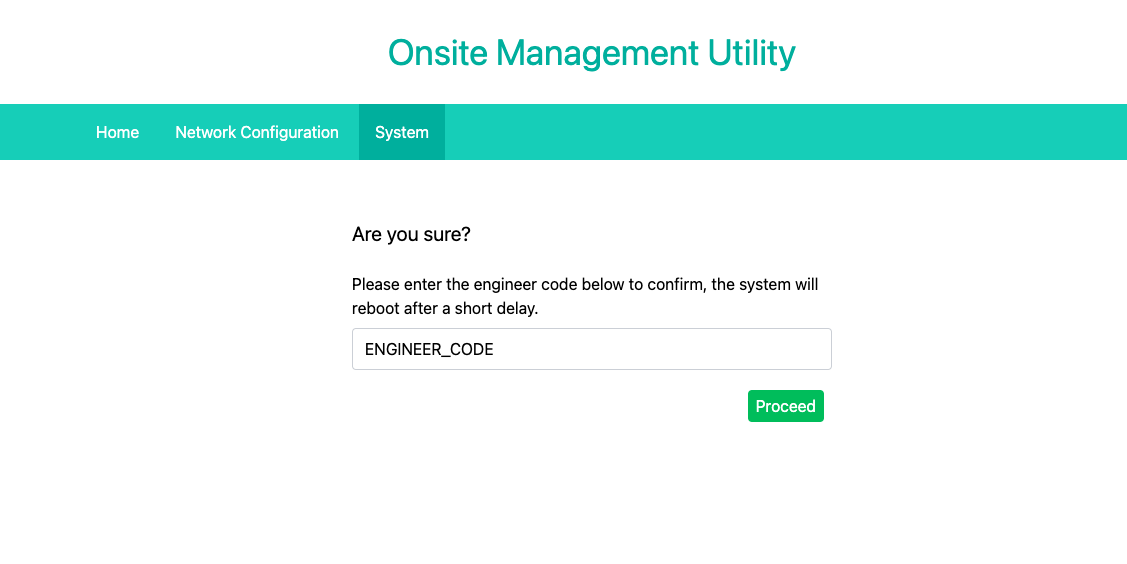](https://docs.nexuscare.co.uk/uploads/images/gallery/2024-01/vx8hqBZsq2qVRSd3-screenshot-2024-01-02-at-13-37-44.png)