Installing Collector
The security module attached to the Single Board Computer will flash (Blue Led) once every 3 seconds in normal operation. If the security module is continually flashing then the collector has not booted correctly or is still booting. Allow 1-2 mins for the collector to boot.
Tip: If using Ethernet, connect this before applying the network settings, then you can test the ethernet connection immediately when applied. Choosing ethernet means you can stay connected to the OnsiteConfig network to keep a check on progress as this uses Wi-Fi.
Tip: Onboard the Collector using your own high speed network, this way any issues with the customers network or internet will not hamper the installation of pulling the data and the app dependencies. Its also good practice to ensure and test no issues are evident before installing on the customers network.
Power on Collector using the official power supply supplied, leave to boot for 1-2 mins
Connect your laptop or similar device to the Wi-Fi network broadcasted as OnsiteConfig, enter the Wi-Fi password, Password123
Browse to the IP address http://192.168.150.1
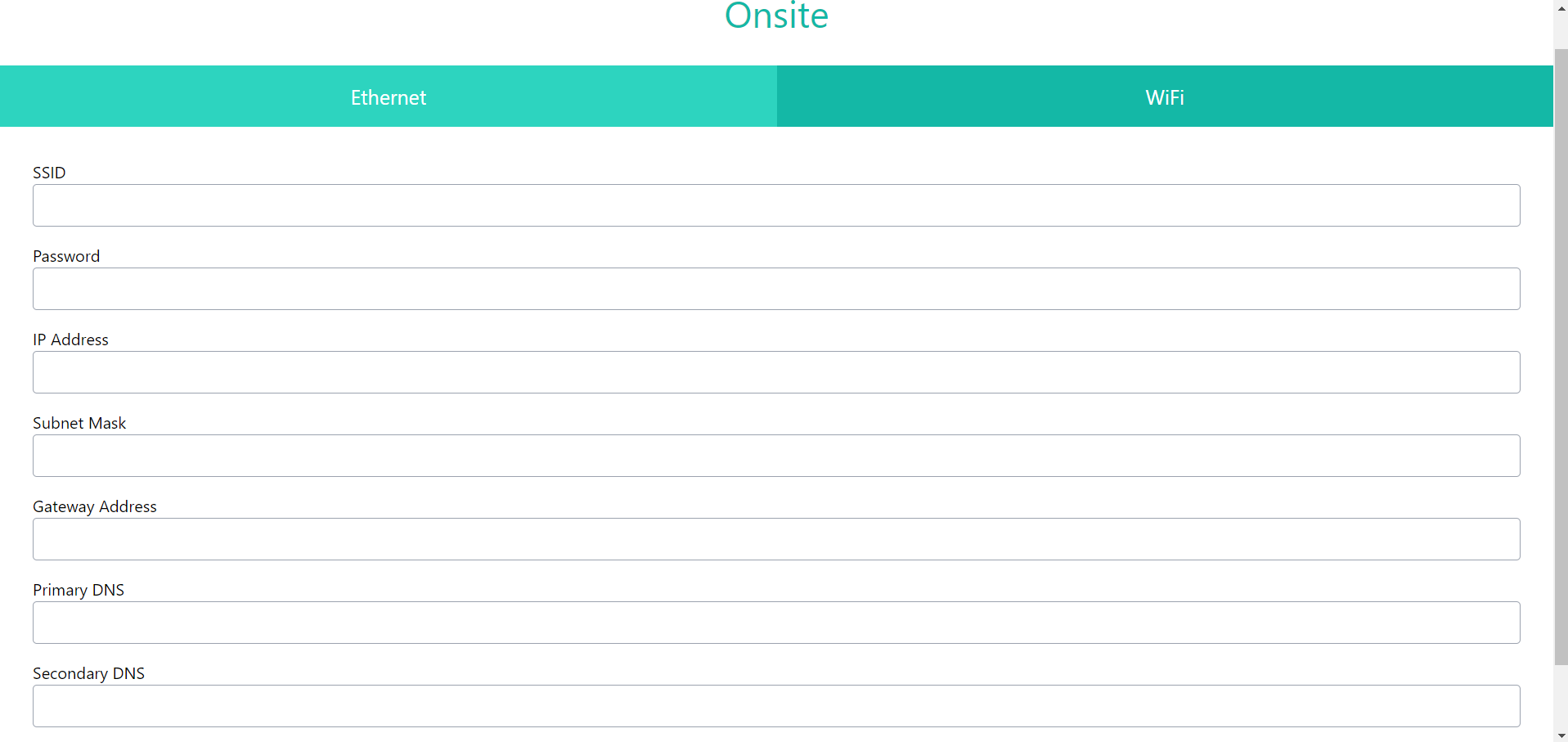
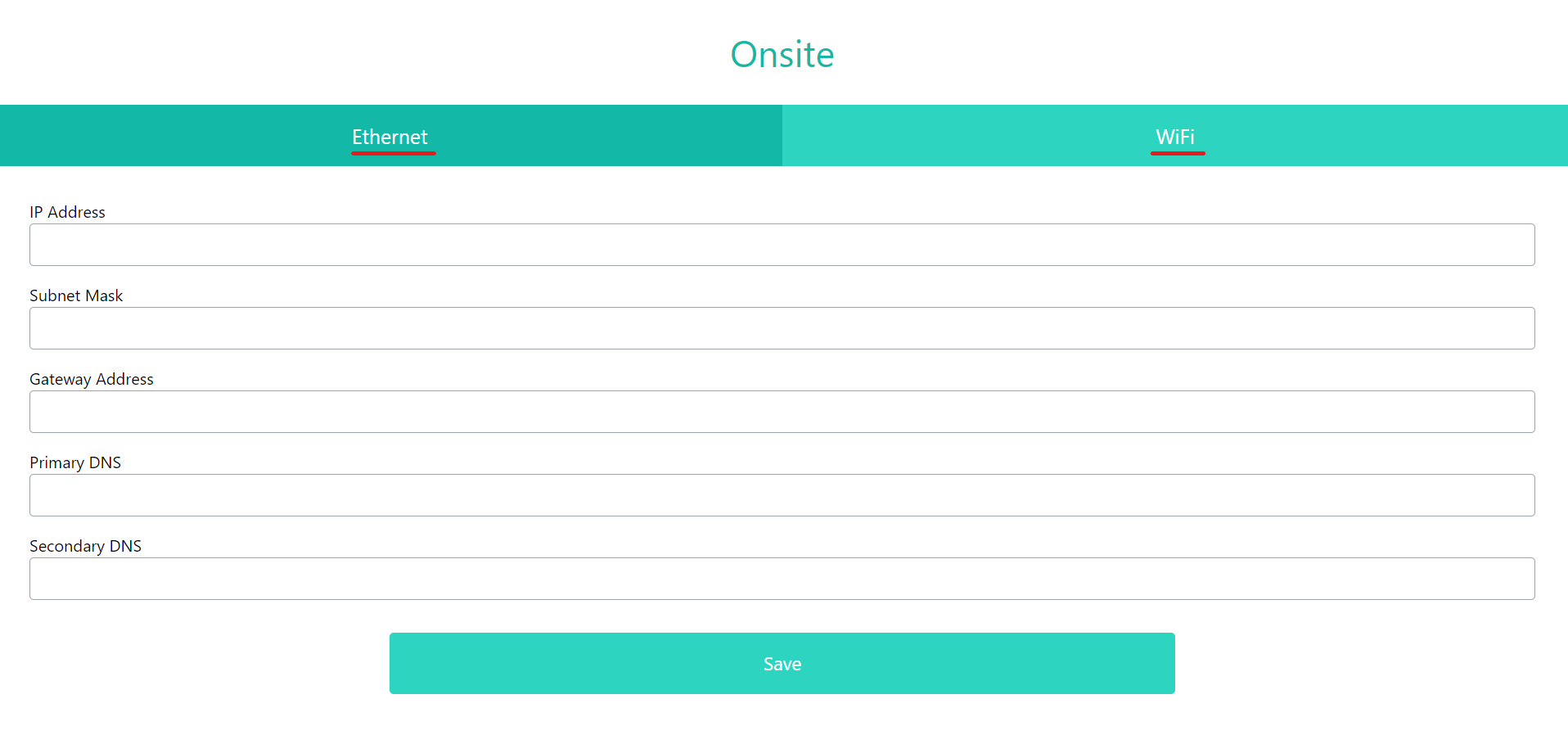
Choose between Ethernet or Wi-Fi
Ethernet - Insert the IP Address, Subnet Mask, Gateway, Primary & Secondary DNS & press Save.
Wi-Fi - Insert the SSID, Password, IP Address, Subnet Mask, Gateway, Primary & Secondary DNS & press Save.