Create a Group
You must always create a group even if the site has a single home.
Head to the groups menu and select the create button at the top right of the page.

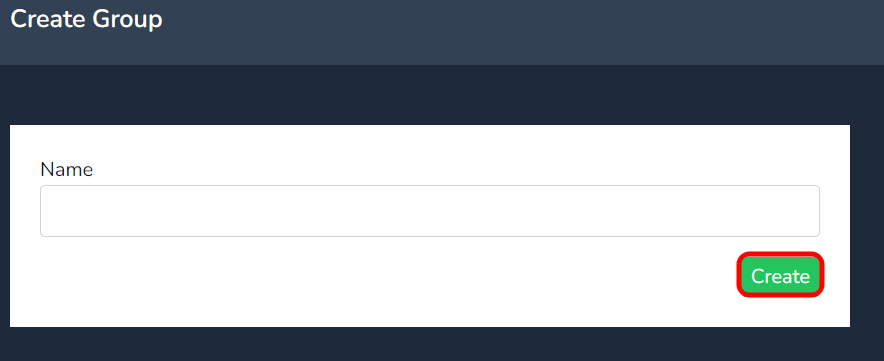
Insert the name of the group in the Name field and press create.
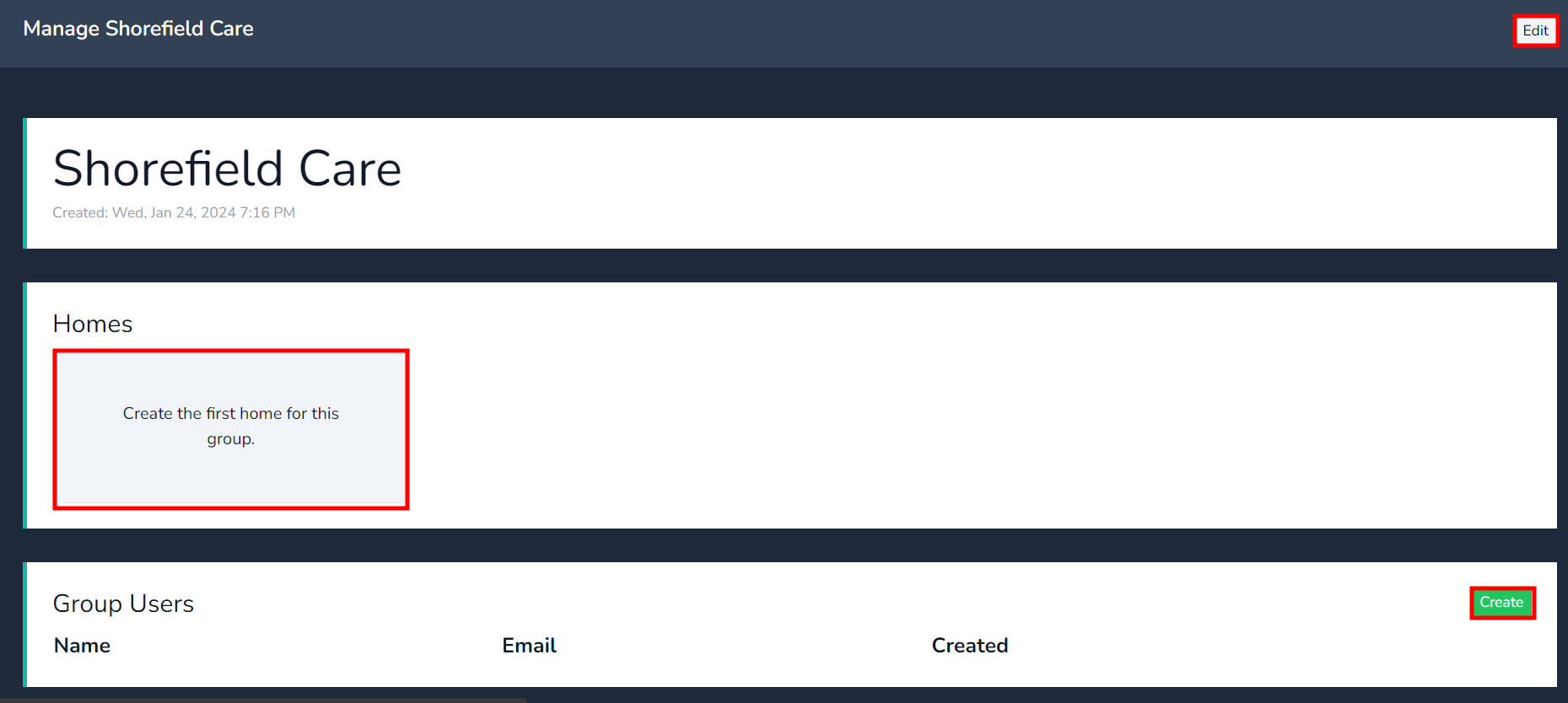
Select the group just created, the Edit tab will allow you to change the name of the group at any time.
Click on the "Create the first home for this group" to take you directly to the home page to create the home under the group.
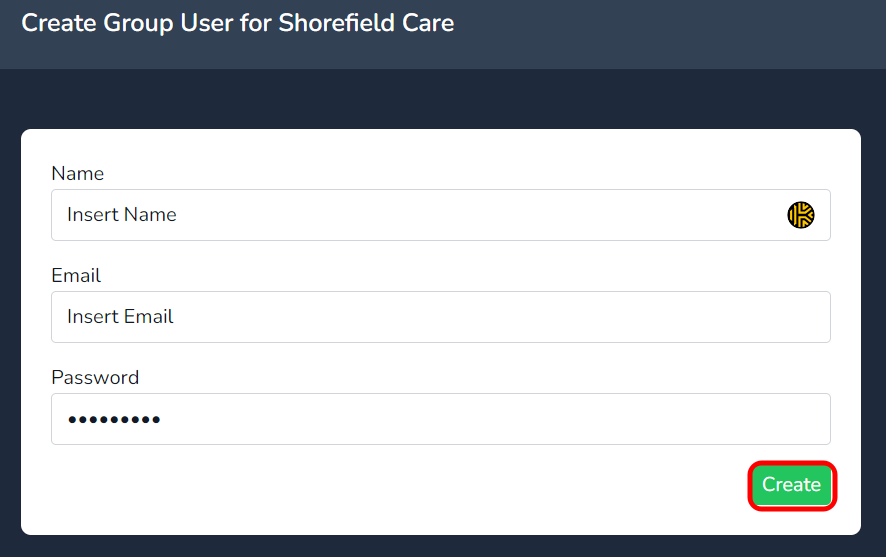
Under Group Users click on create to add the name & email of a group user. A group user has access to all homes under the group.
A Group User cannot create other Group users. You must be a reseller or super-admin user to create Group Users
Fill in the fields as per the below and press create.