Create a Group
Groups allowserve youas a way to organize and manage multiple homes together.together. Additionally, they empower group users to oversee and manage all homes within the group.
- Creating a Group:
- Navigate to the Groups menu.
- Click the Create button at the top right of the page.
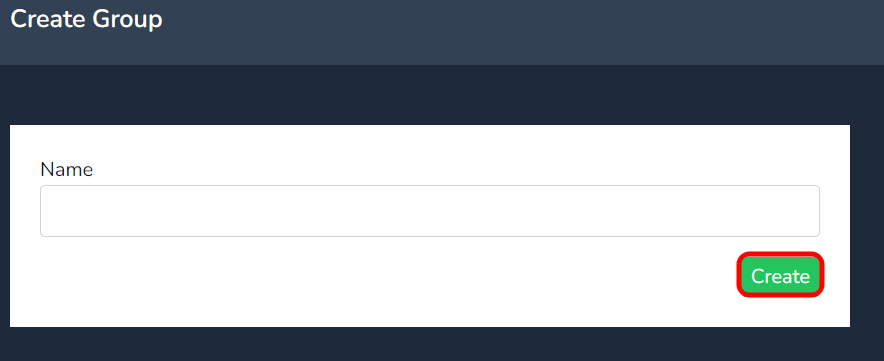
- Insert the desired group name in the Name field and press create.
-
Editing Group Details:
-
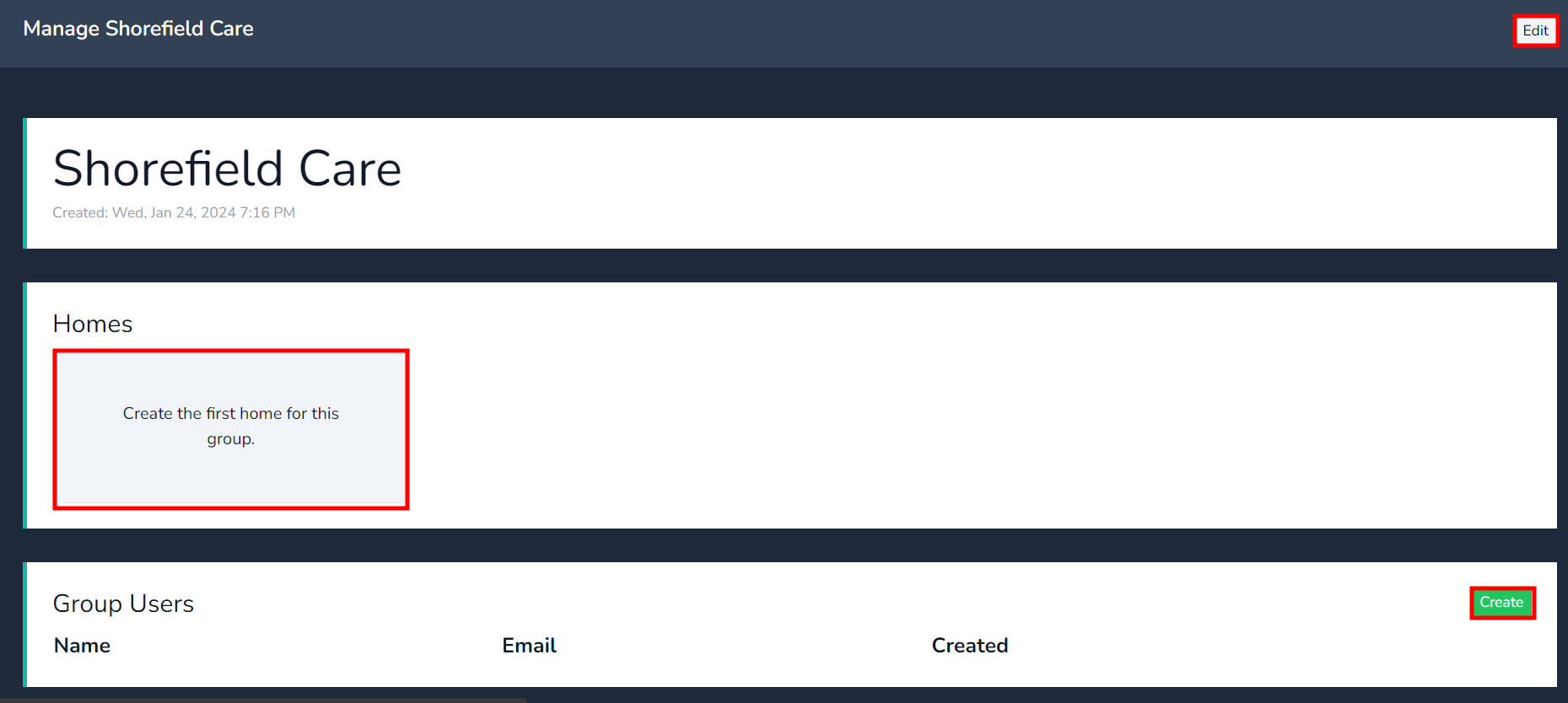
After creating the group, click on the group you just created.
- The Edit tab allows you to change the group’s name at any time.
-
-
Creating the First Home for the Group:
- Click on “Create the first home for this group”. This action will take you directly to the home page to create a home under the group.
-
Adding Group Users:
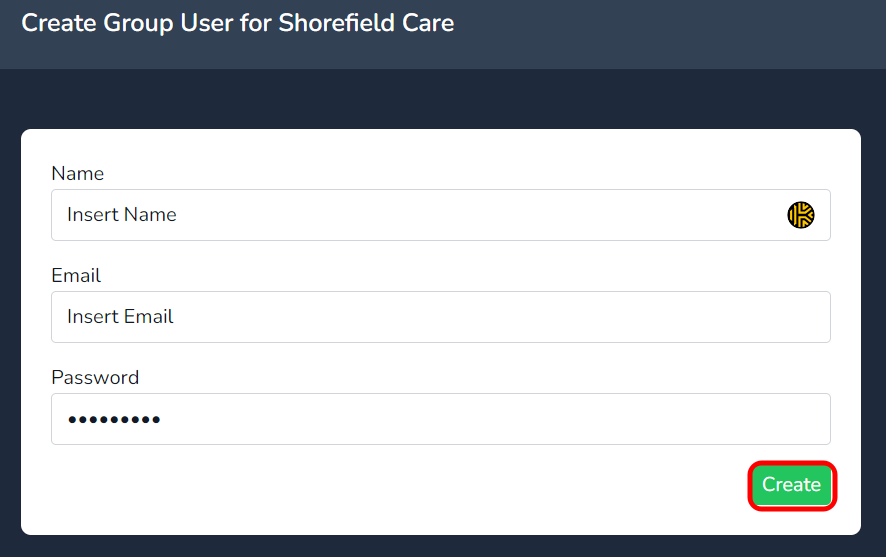
- Under Group Users, click on create.
- Fill in the name and email of a group user. Remember that a group user has access to all homes under the group.
Head to the Groups menu and select the create button at the top right of the page.