
Creating a Collector Device
In the homes tab select the Manage button at the top right of the page.

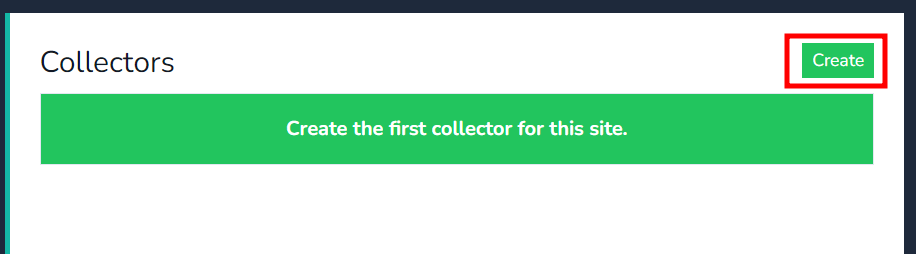
Click on create button to create the first collector for your home.
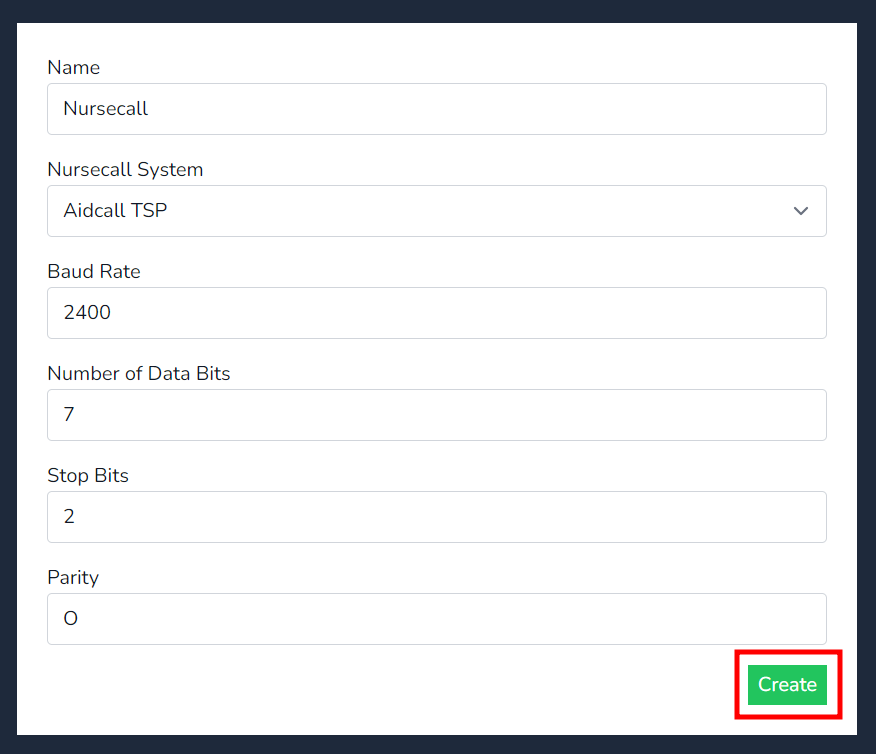
Insert the Name of the device, select the NusrecallNursecall system type and match the Baud rates parameters to the Nursecall system, then press create.on the create button.
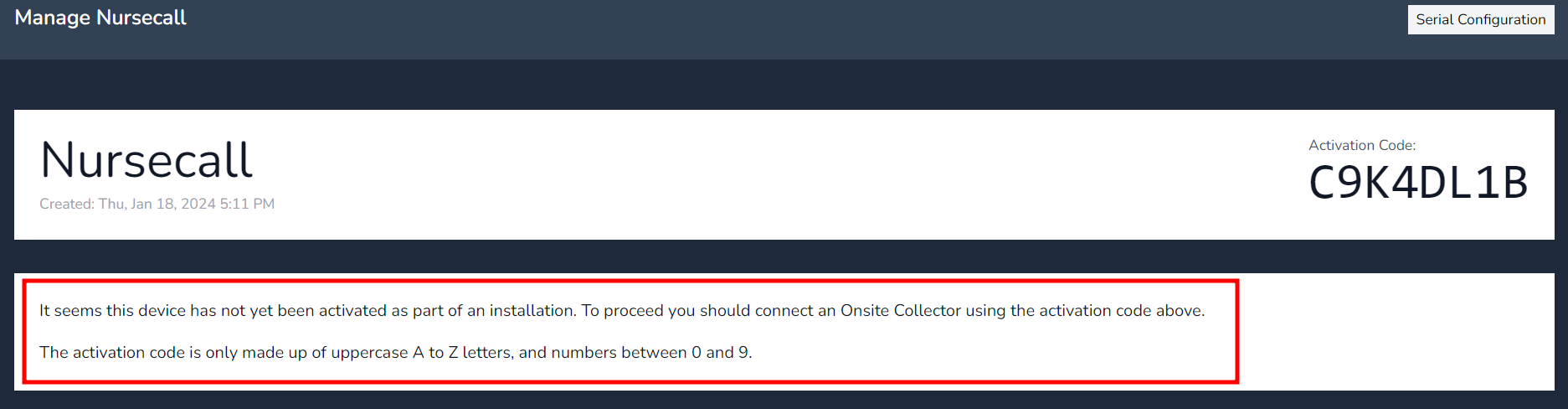
Once created this will generate the Device Authentication code to insert when on-boarding the collector.
Note - Once the collector has on-boarded the device Authentication will disappear.
Take note of the message below, it inform you the collector has not been on-boarded/activated.
Note - Once the collector has on-boarded the device Authentication will disappear.