Creating a Collector Device
Collectors are the on-site systems weyou are integrating with. Currently all integrations for on-site systems are via a RS232/serial output & you must be familiar with configuring the onsite system for outputting of the systems data.
In the homes tab select the Manage button at the top right of the page.

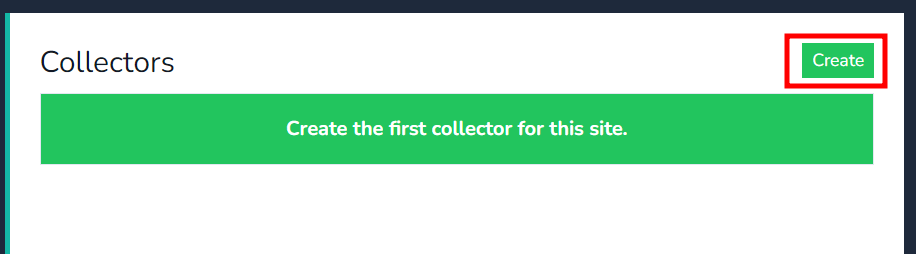
Click on create button to create the first collector for your home.
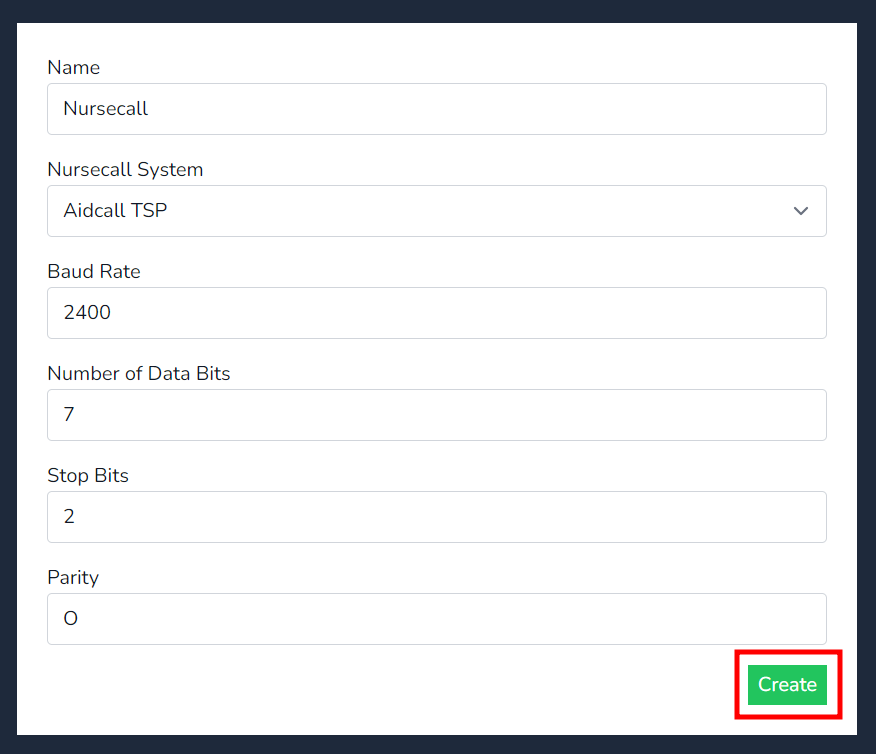
Insert the Name of the device, select the Nursecall system type and insert the Baud rate parameters that match to the Nursecall system, then press on the create button.
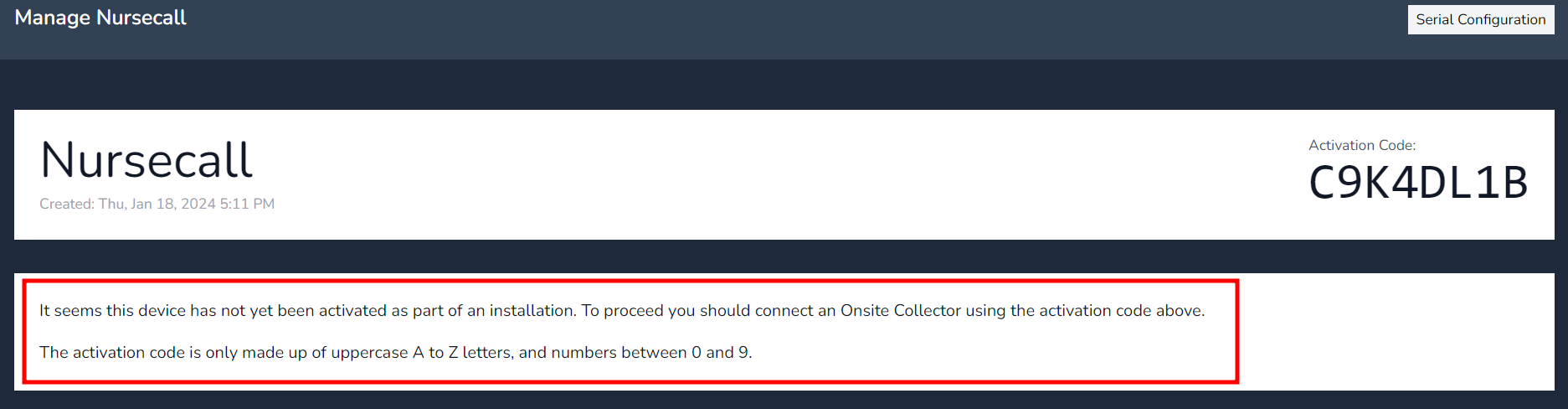
Once created this will generate the Device Authentication code to insert when on-boarding the collector.
Take note of the message below, it inform you the collector has not been on-boarded/activated.
Note - Once the collector has on-boarded the device Authentication will disappear and the below screen will now show data as per the below.
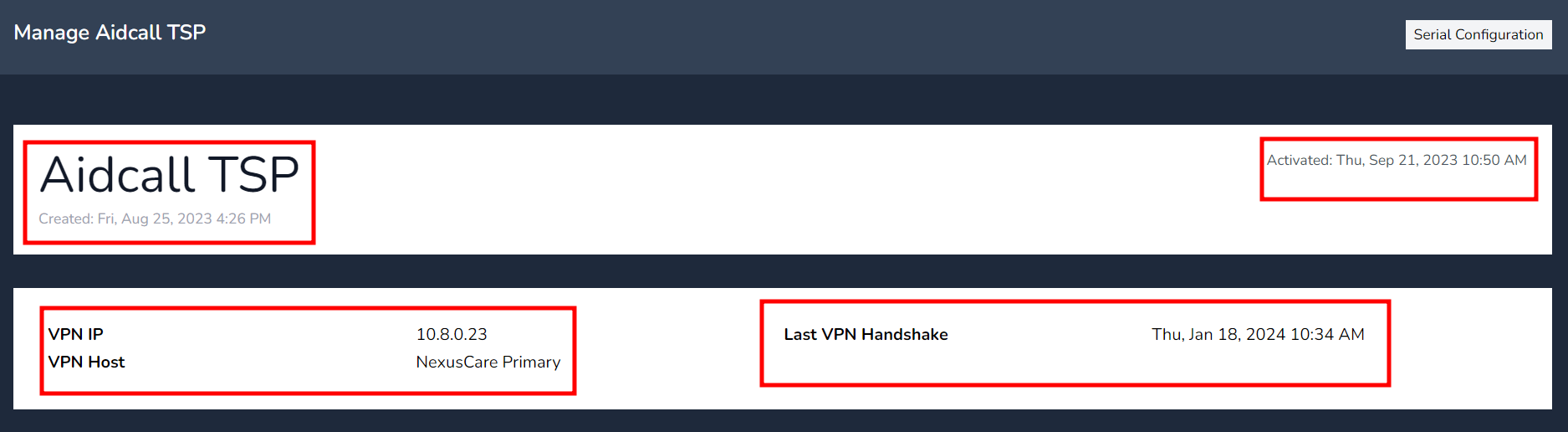
Created: The time & Date the collector was created.
Activated: The time the on-site collector was first activated with the cloud site.
VPN IP: The IP address for the internal VPN network, note this is not the on-site collectors IP address.
Last VPN Handshake: The last time the on-site collector called home.