Creating Onsite Users
On-site users refers to the users that sign in with the mobile application to the on-site collector device with their credentials to receive Nursecall alerts.
There are two options on how to create a user, manually create or upload via csv using the system template.
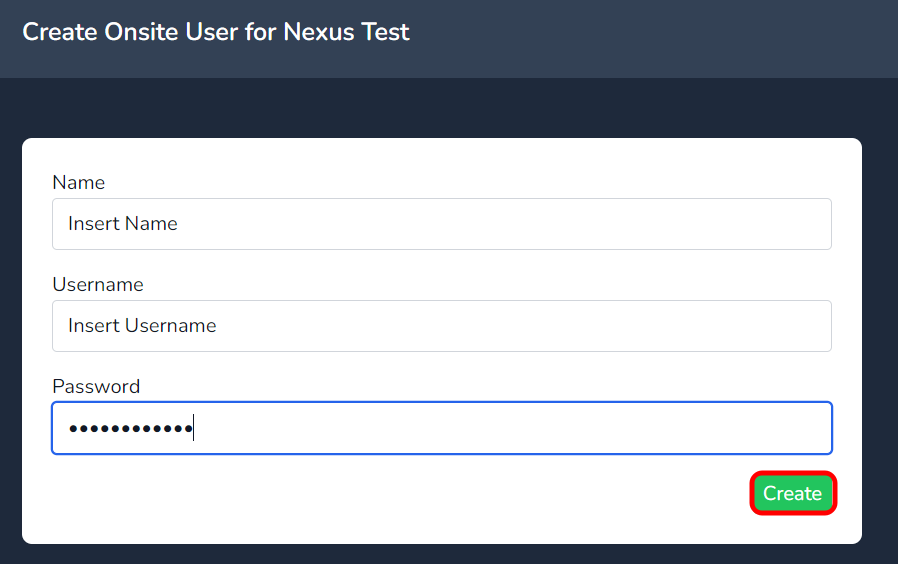
Click on the create button to manually create a user.

Insert data in to the fields as highlighted below & press create.
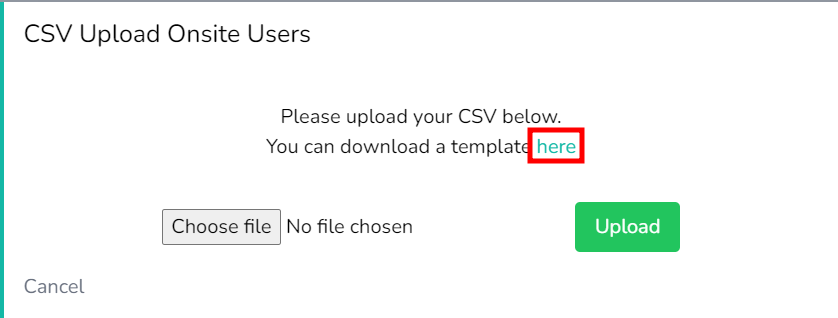
To upload multiple users via csv, select the Import CSV button

Select the link highlighted below to download the CSV template.
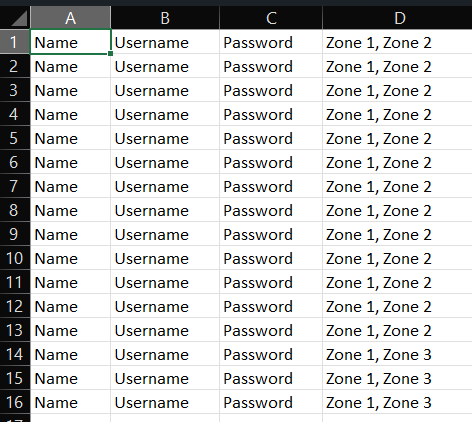
Next, view the CSV template downloaded to assist with inserting the data in the correct format. as per the below table. Once data has been entered, save the file to a location on your PC.
Note; Entering the zones for the user to be a member of will automatically create the zones in the system.
Click on the Choose file button to select the CSV document saved.
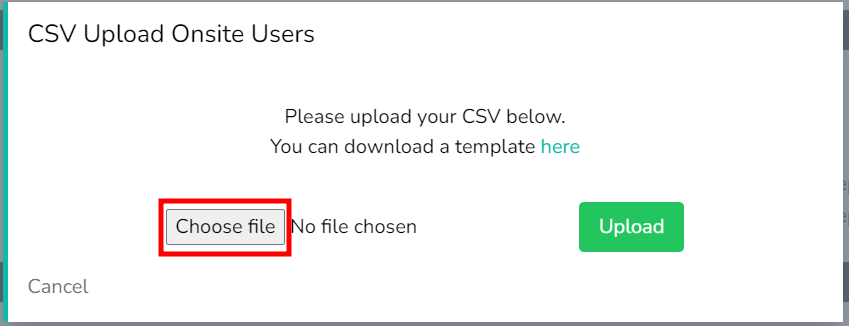
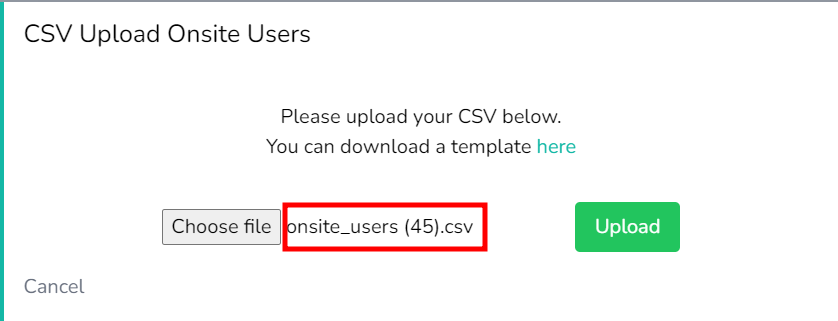
Select the CSV file saved to to the location on your PC and once it appears next to the Choose file button, you can click upload.
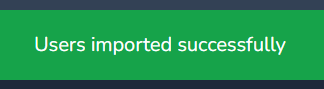
Only click Upload once. There is a short delay while uploading, wait 3 seconds and you will get a success message as per the below.
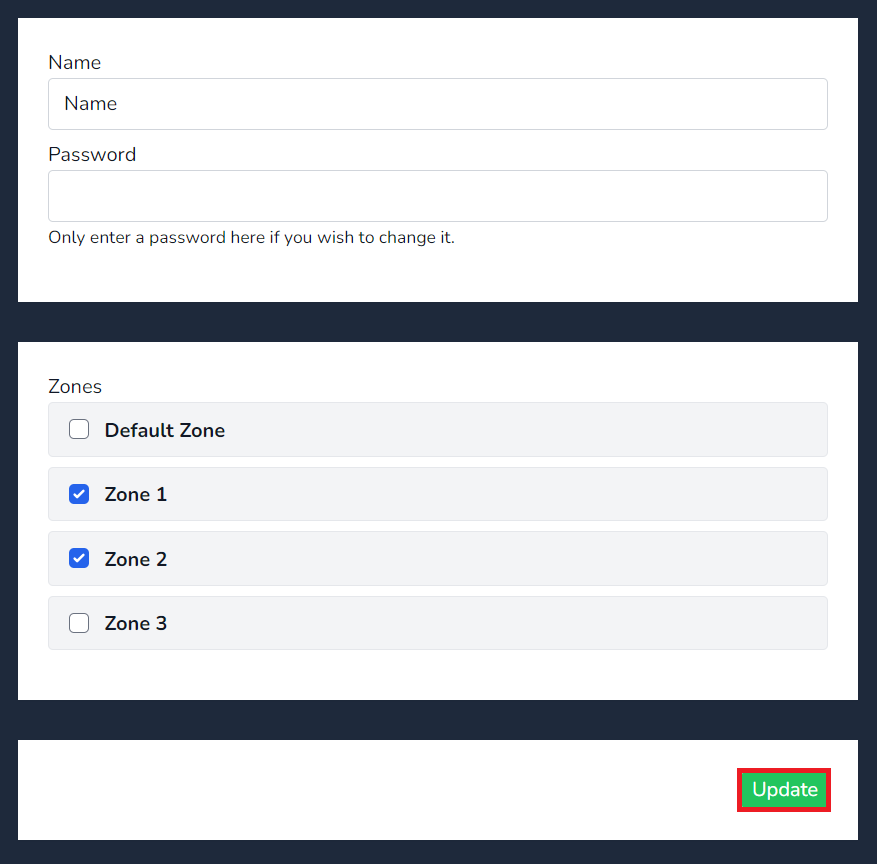
To apply or view a user assigned to a zone, simply select the zone or zones they need to be member off and press update