Creating Rooms
Rooms can be created three ways. Automatically, Manually or via a CSV Upload.
Multiple Callpoints can be assigned to rooms.
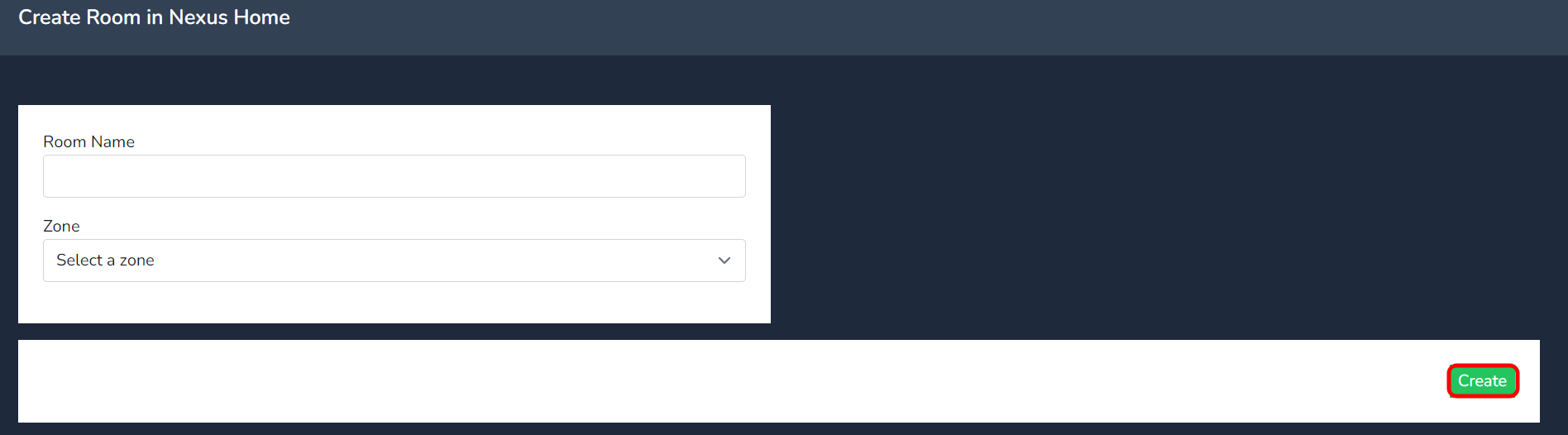
To manually create a room, select the create button.

Add the room name and select the Zone from the dropdown and click on create. Your room is now created!
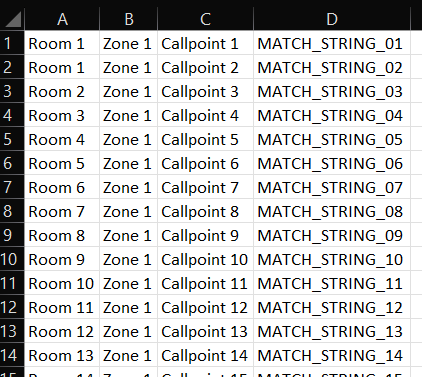
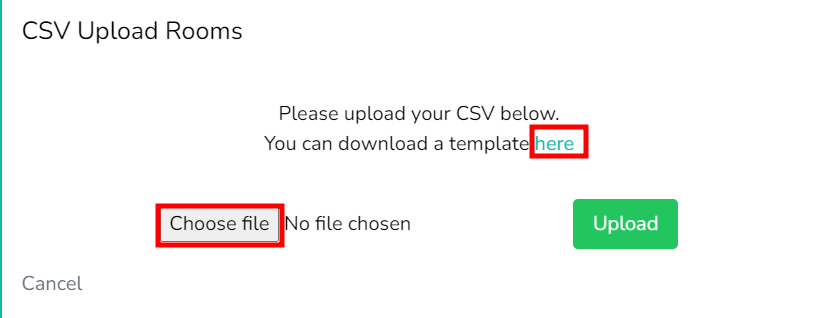
To upload via CSV, download the template csv file, by clicking on the link as per the below.
When uploading via CSV the Match String must to match the data in the Nursecall system. Including any white spaces!
Match String - Must match with the data of the Nursecall system.
Call Point -Name of the Callpoint device.
Room - The room the Callpoint is assigned too.