
Creating Zones
Zones are found under the homes tab
Tip - If you add zones to the Onsite user or Rooms CSV template then the zone will already be created.
To create a Zone select create on the right hand side of the Zone field.

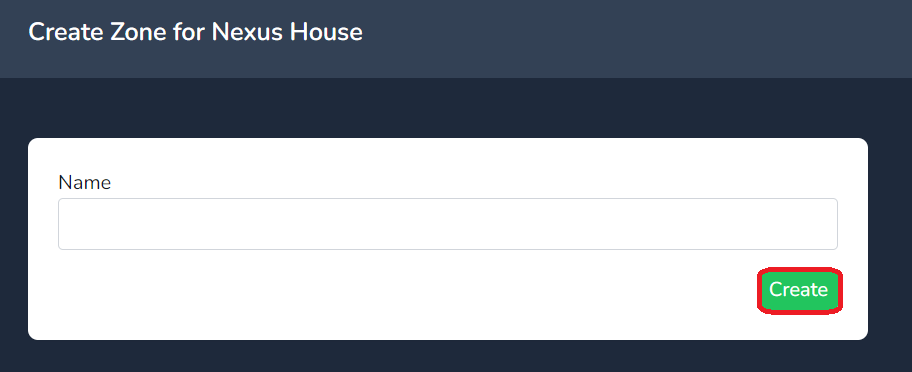
Next insert the name in to the name field and click on create.
Your zone will now be created to edit the name of a zone select the manage link as shown below.
