
Creating Zones
A Zone serves as the location where Rooms reside. Users can sign in to a specific zone to receive nursecall alerts. It’s an essential organizational structure that ensures efficient communication and timely response within a care facility.
Tip - IfWhen you addadding zones to the Onsite user or Rooms CSV templatetemplate, thenit streamlines the zoneprocess, willand alreadythe bezones are automatically created.
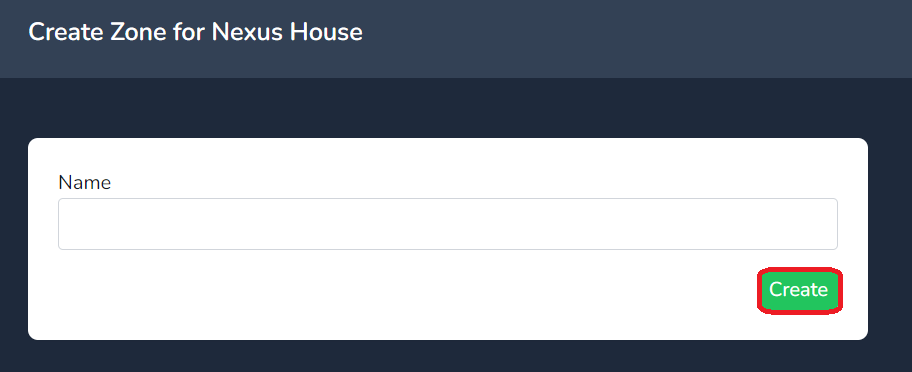
To manually create a Zone, selectfollow createthese steps:
- Click on the
rightCreate button located on the right-hand side of the Zone field. - Enter the desired name in the Name field.
- Click on Create to finalize the
namecreationfieldofandyourclickzone.

Next insert
Your zone willis now besuccessfully createdcreated! If you need to edit the name of a zonezone, select the manageManage link as shown below.
