How To Shutdown Safely
Shutting the collector down will result in all functionality ceasing.
Shutting down without using the proper function within OMU will lead to data loss.
When you wish to shut down the unit for any reason (such as to move it within the care home), you will need to connect to the OnsiteConfig WiFi network and browse to OMU.
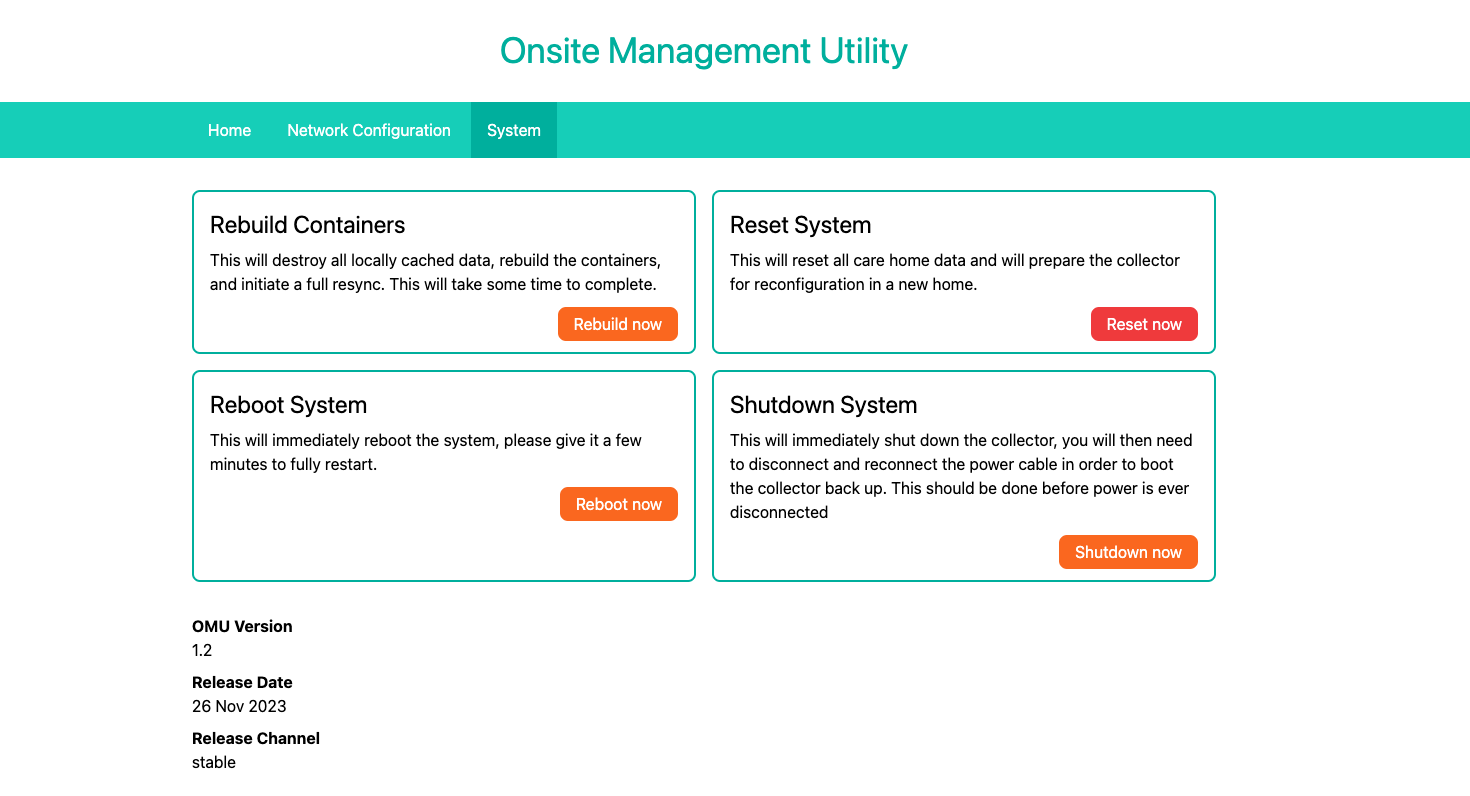
From there, head to the system tab and click "Shutdown now"
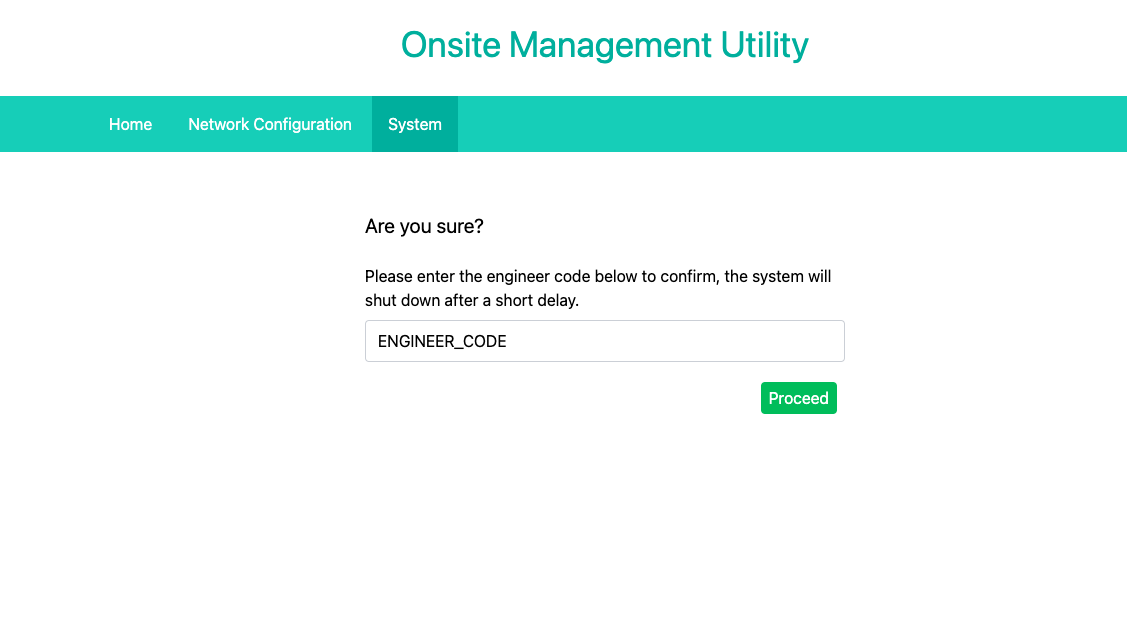
After this you will be taken to a page to confirm the action by entering the engineer code for this site. Once this is done the unit will shutdown shortly. To boot the collector back up again, disconnect and reconnect the power supply. The collector will automatically boot back up.