Nourish Integration
V2 Integration is now released please see below video link to guide you through.
V1 Integration
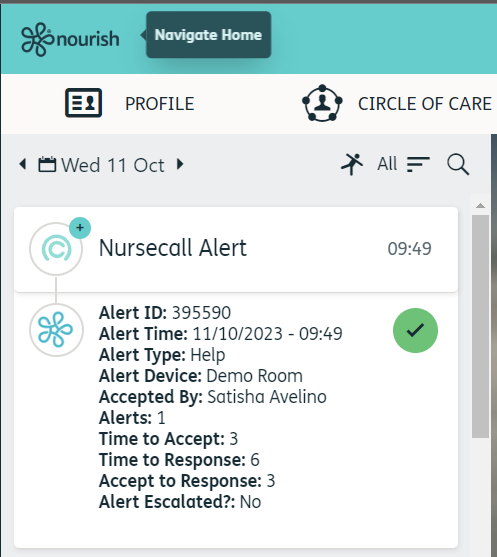
Send Nursecall records in to the Nourish Timeline, once an alert has been completed.
Before starting, request via the Nourish support chat that the resident Integration ID back-end setting is enabled for Nexus Care Integration.
DOB & NHS fields must be populated within each resident timeline.
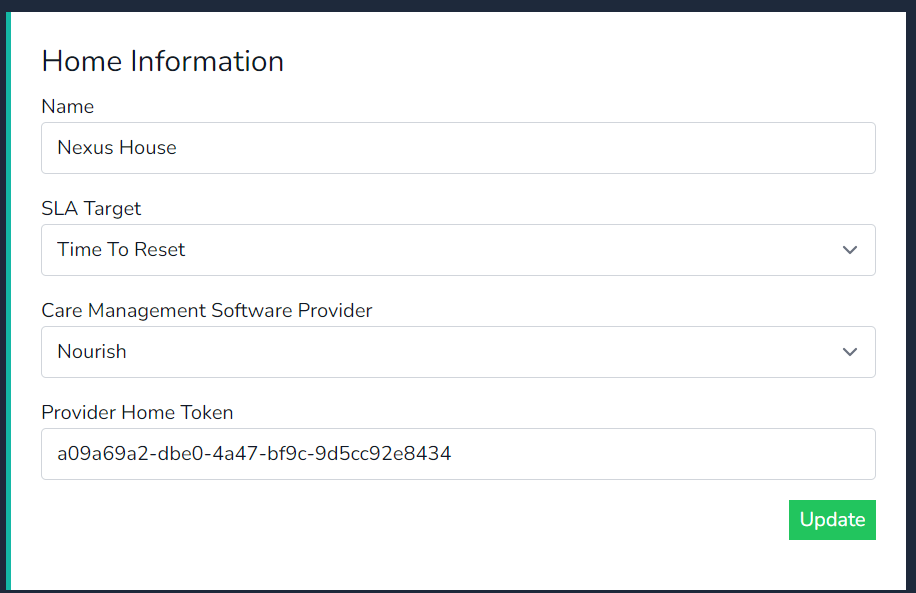
- In the cloud platform select Nourish as the software management provider & click on update.
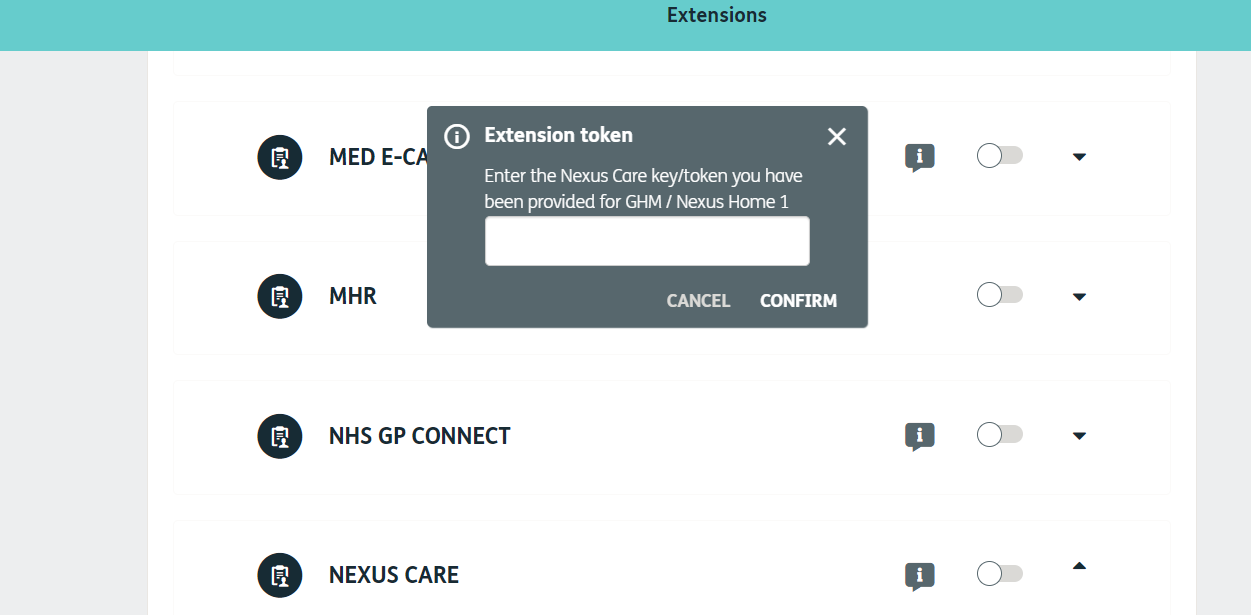
- Copy the Home Token and provide this to an administrator of the Nourish environment.
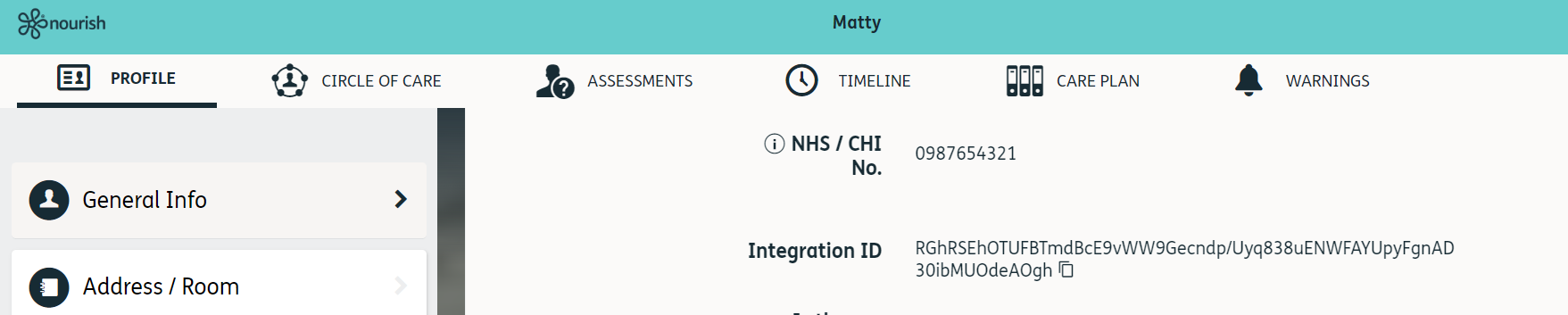
- Within the Nourish resident timeline under general info copy the Integration ID.
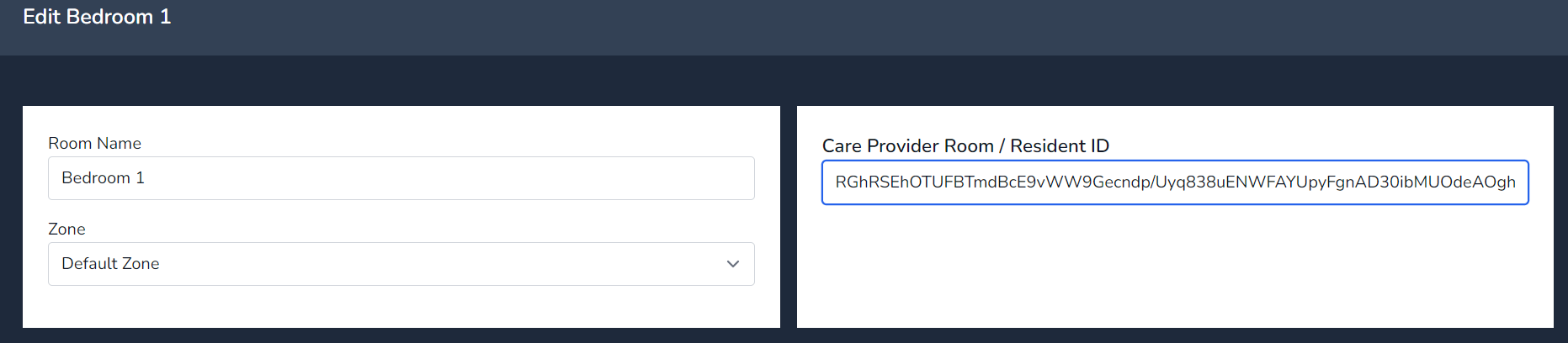
- In cloud select manage room and insert the ID in to the software provider field.
- Press Update
- Test an alert
Generate a Home Token in Cloud
Insert the Token in to Nourish
Copy Nourish Resident Integration ID
Integration ID copied in to Cloud
Nursecall Alert in the Nourish Resident Timeline