Nourish Integration
Send Nursecall records in to the Nourish Timeline, once an alert has been completed.
Before starting, request via the Nourish support chat that the resident Integration ID back-end setting is enabled for Nexus Care Integration.
You must have the DOB & NHS fields populated within each resident timeline.
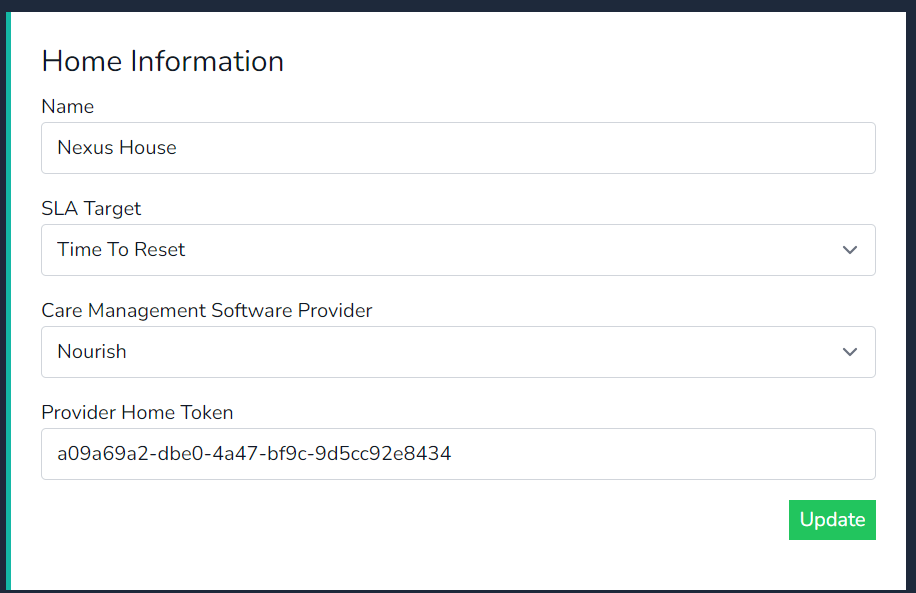
- In the cloud platform select Nourish as the software management provider & click on update.
- Copy the Home Token and provide this to an administrator of the Nourish environment.
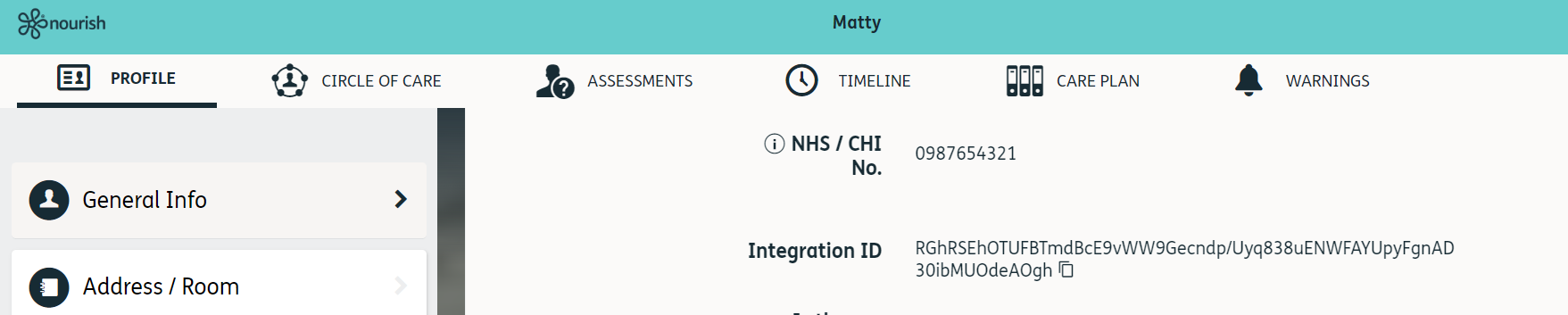
- Within the Nourish resident timeline under general info copy the Integration ID.
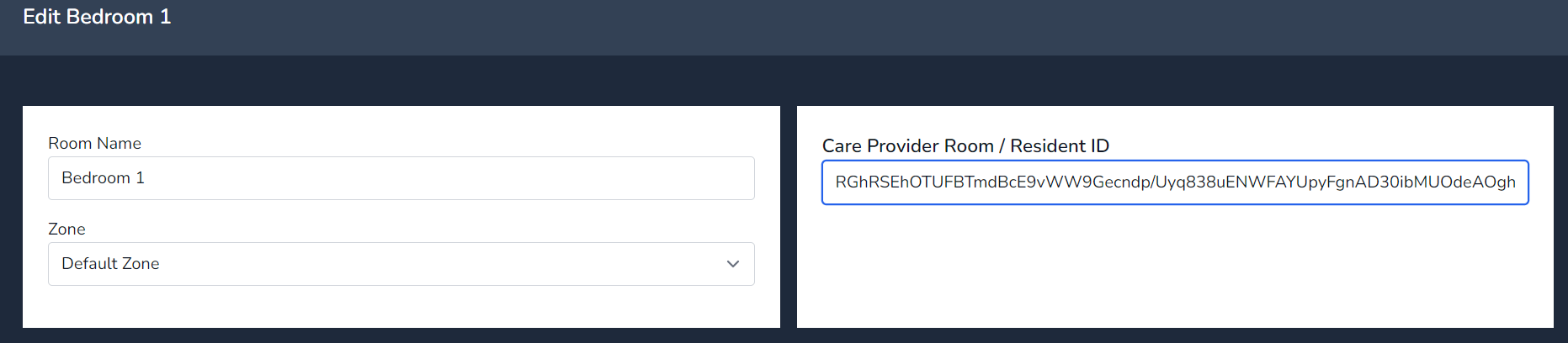
- In cloud select manage room and insert the ID in to the software provider field.
- Press Update
- Test an alert
Generate a Home Token
Nourish Resident Integration ID
Integration ID copied in to Cloud
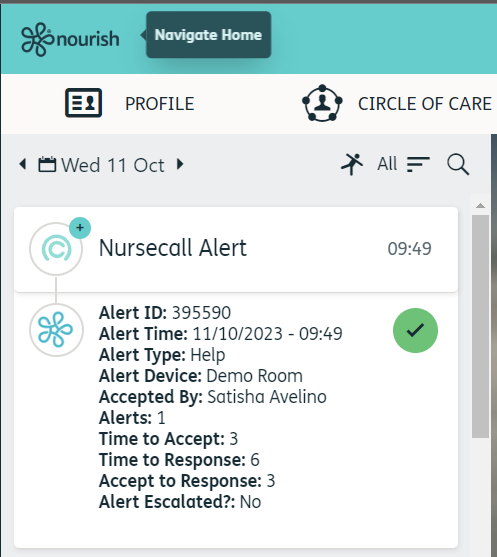
Nursecall Alert in the Nourish Resident Timeline