Rebuild Onsite Data
Rebuilding the containers will destroy all existing data,data local to the device, ensure all app users are logged out if possible. If not, you will need to clear the app cache and data from within the Android settings app.
This process will take a few minutes to complete and the collector will be unusable by the end customer while this takes place.
Data stored in the cloud will be unaffected. Configuration data such as rooms, users, zones etc will be re-synced automatically.
When you wish to rebuild all data stored the unit for any reason (if you suspect corruption that isn't being automatically repaired as expected), you will need to connect to the OnsiteConfig WiFi network and browse to OMU.
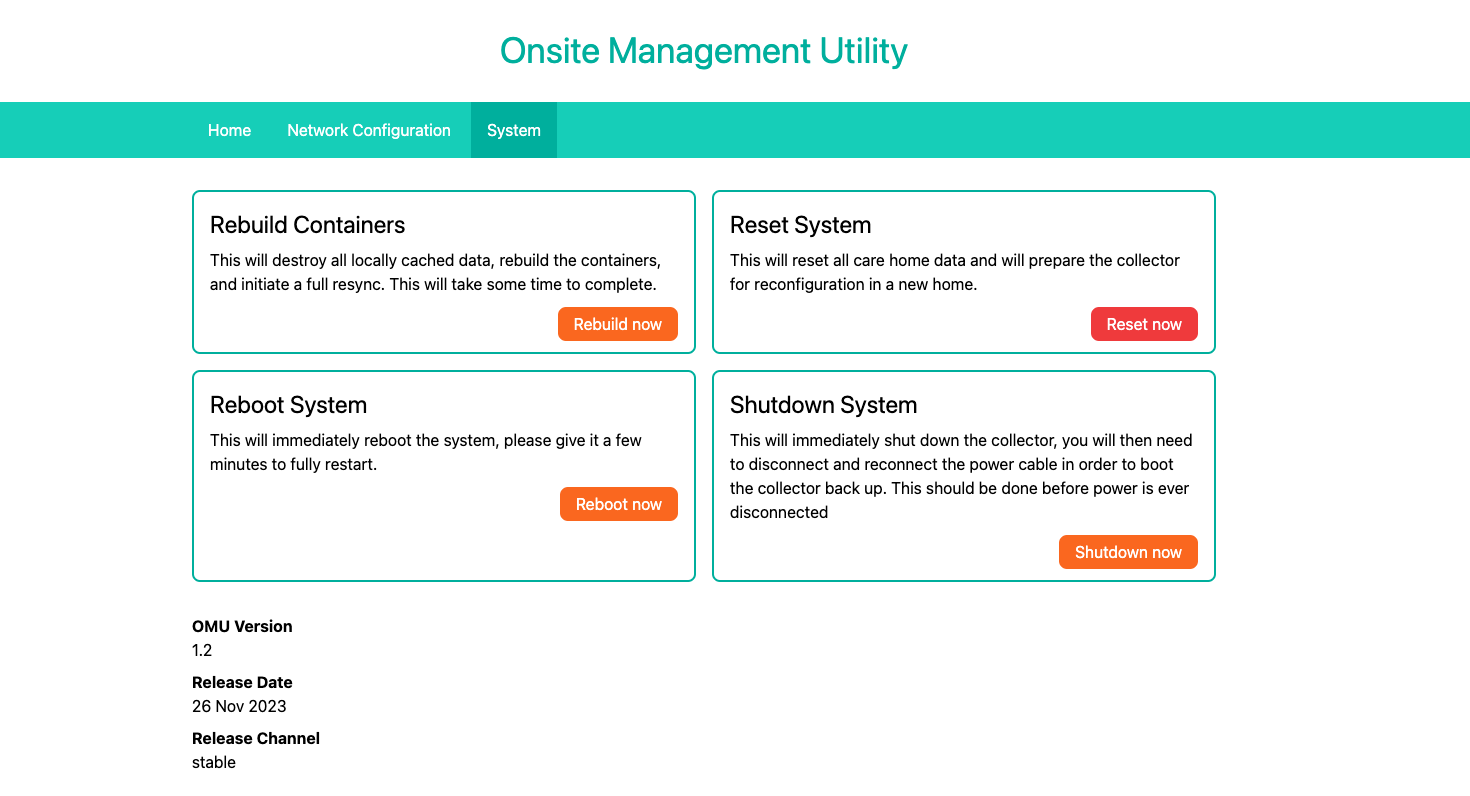
From there, head to the system tab and click "Rebuild now"
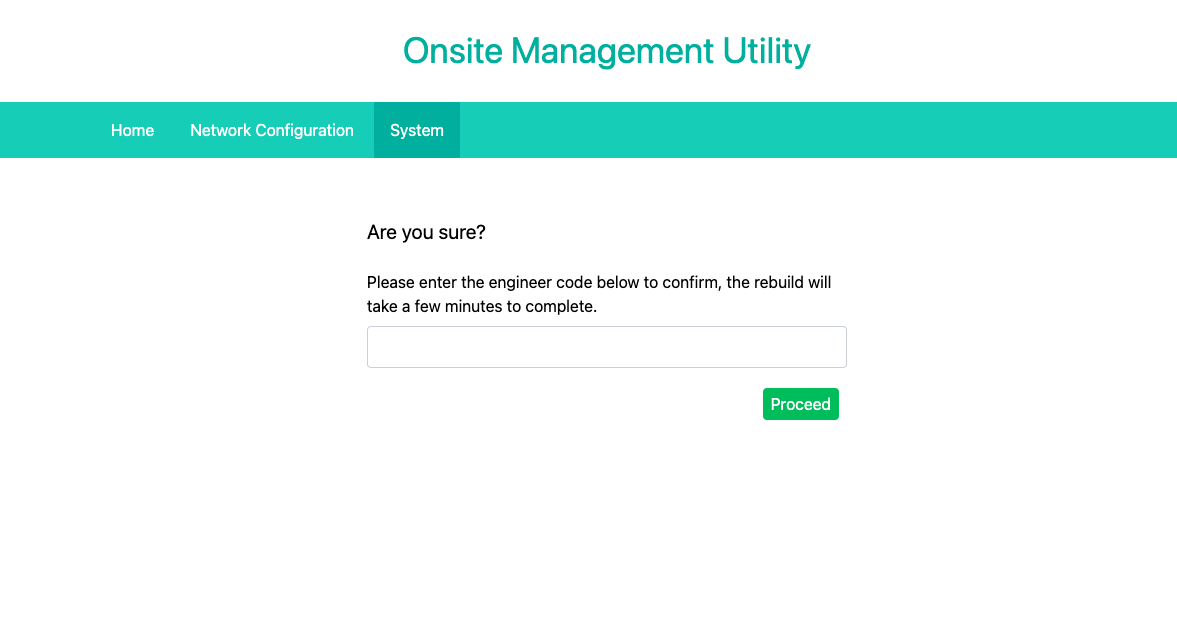
After this you will be taken to a page to confirm the action by entering the engineer code for this site. Once this is done the unit will begin the process. This will take some time.