
Resetting A Collector
Resetting a collector will completely disable it and restore it to factory defaults ready to be reconfigured. This will make it completely inoperable at an existing home.
It is not normal to have to do this step in day to day operation and you should only do this after being advised by support or our development team.
If you wish to reset a collector, as maybe the client has opted to not renew the service or some other reason, you must first connect to the OnsiteConfig network and login to OMU.
Once there, head to the System tab and click the "Reset now" button. You will be asked to type the engineer code in to confirm this step. The page changes design to mark the significance of this step.
There is no going back after this step. The system will need to be configured as a brand new collector for the same site if you do this by accident. Any data not yet synced to cloud will be permanently lost.
To reiterate, it is not normal to have to do this step in day to day operation and you should only do this after being advised by support or our development team.
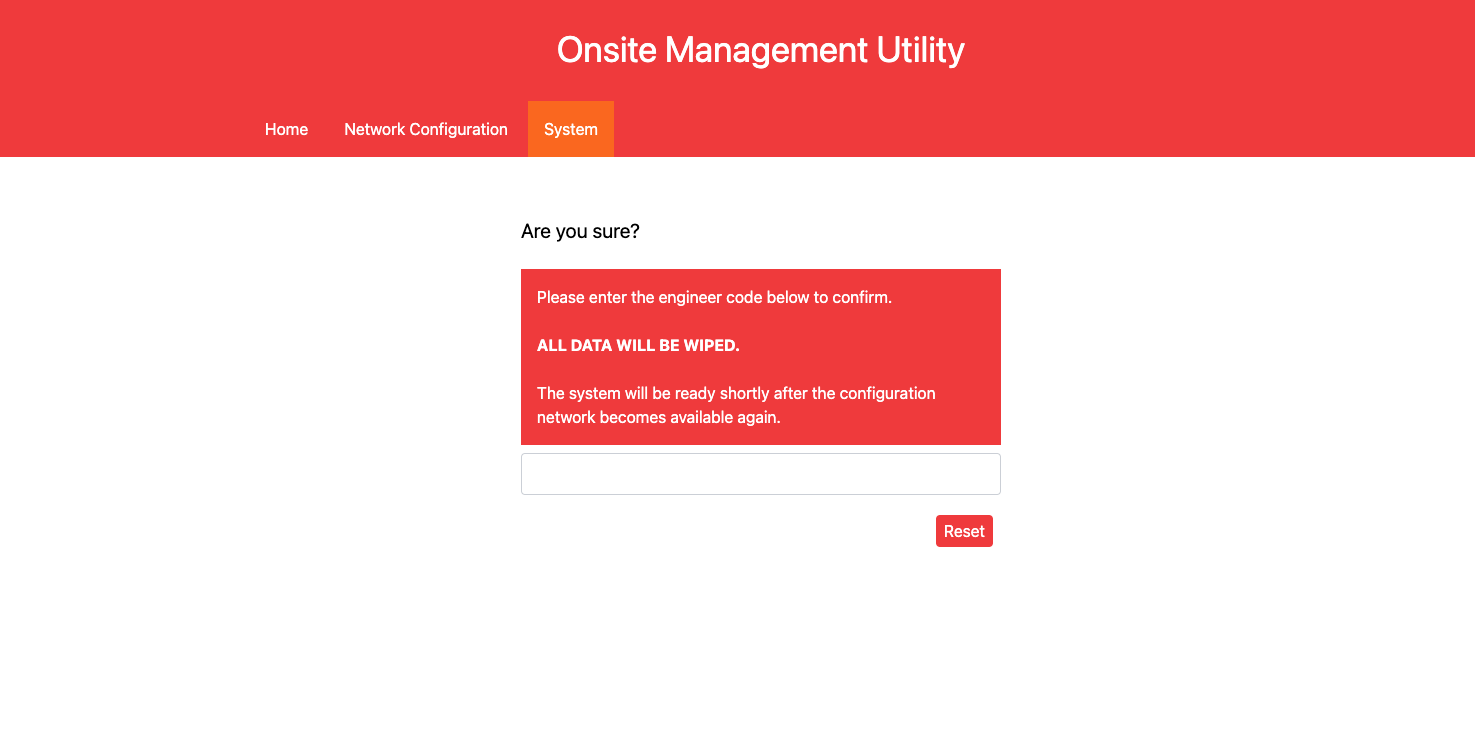
Shortly after confirming the engineer code and clicking "Reset" the system will restore to factory defaults, disassociate with the cloud platform and destroy all data cached on the collector. There is no going back.